
Download Speed Dial – Fast, Free Firefox Extension for Quick Site Access
Overview
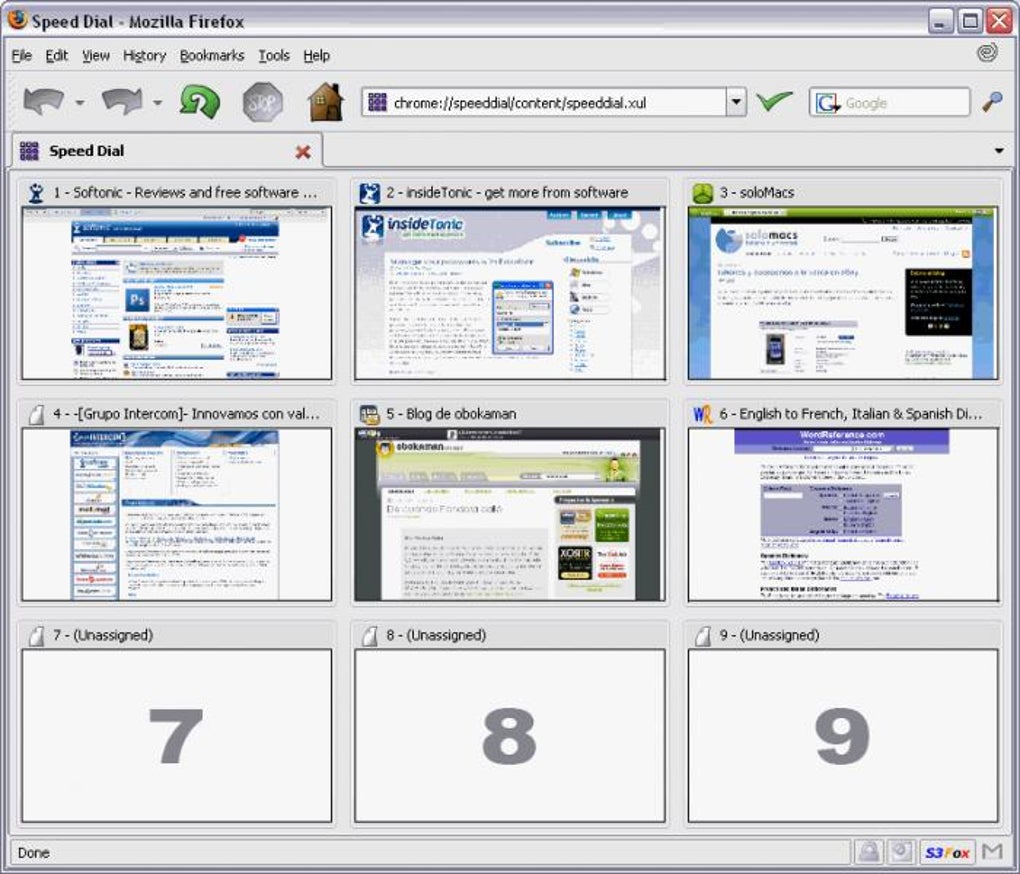
Speed Dial is a lightweight Firefox add‑on that puts your nine most‑visited websites on a single, customizable pad. Inspired by the classic telephone speed‑dial feature, the extension replaces the default new‑tab page with a grid of clickable thumbnails, each representing a favorite site. After the initial setup—where you manually enter the URLs of the sites you want quick access to—Speed Dial saves the layout and instantly loads it whenever you open a new tab. The result is a smoother browsing workflow, especially for power users who hop between email, social media, news, and productivity tools multiple times a day. Although the add‑on does not yet auto‑detect your most‑used sites, its simplicity, visual preview thumbnails, and low resource footprint make it a compelling free tool for anyone looking to shave seconds off their web‑browsing routine.
Key Features and Benefits
- Nine‑slot visual dial pad – One click opens any of your top sites, complete with thumbnail previews.
- Customizable layout – Drag‑and‑drop to rearrange dials, rename them, or replace thumbnails with your own images.
- Fast loading – The add‑on is built on lightweight JavaScript, keeping Firefox’s startup time untouched.
- Privacy‑focused – No data is sent to external servers; all preferences are stored locally in your profile.
- Cross‑platform support – Works seamlessly on Windows, macOS, and Linux versions of Firefox.
- Import/Export functionality – Back up your dial configuration or transfer it to another machine with a simple JSON file.
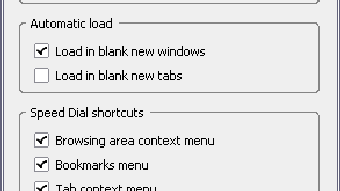
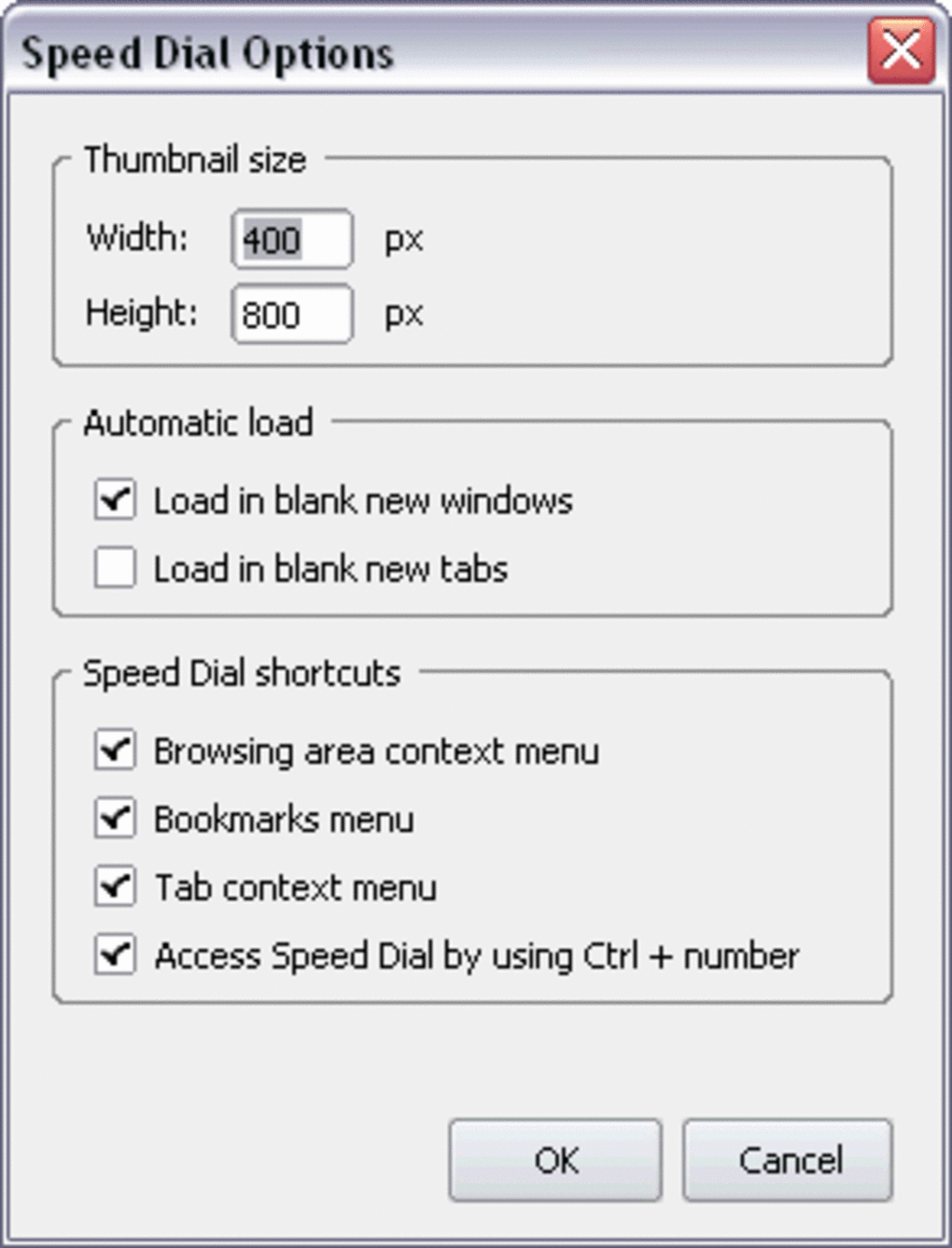
- Hide unused dials – Option to automatically conceal empty slots for a cleaner look.
- Responsive design – Adjusts to different screen sizes, making it equally handy on laptops and larger monitors.
- Free and open‑source – No hidden fees, no ads, and community‑driven updates.
These features combine to create a frictionless browsing experience. By reducing the number of clicks required to reach a site, Speed Dial cuts down on the cognitive load that often builds up during long research sessions or when juggling multiple online accounts. The visual thumbnails act as memory aids, allowing you to recognize a site at a glance rather than reading full URLs. Moreover, the import/export capability ensures that your custom layout can travel with you, making it ideal for professionals who work on multiple devices or need to set up a new workstation quickly.
Installation, Usage & Compatibility
Step‑by‑Step Installation
Getting Speed Dial up and running takes less than two minutes. Follow these simple steps:
- Open Firefox and navigate to the official Speed Dial add‑on page on Mozilla’s Add‑ons site.
- Click the Add to Firefox button; a confirmation dialog will appear.
- Press Add to grant the necessary permissions. The extension will download and install automatically.
- Restart Firefox if prompted. Upon reopening, the new‑tab page will be replaced with the Speed Dial interface.
Configuring Your Dials
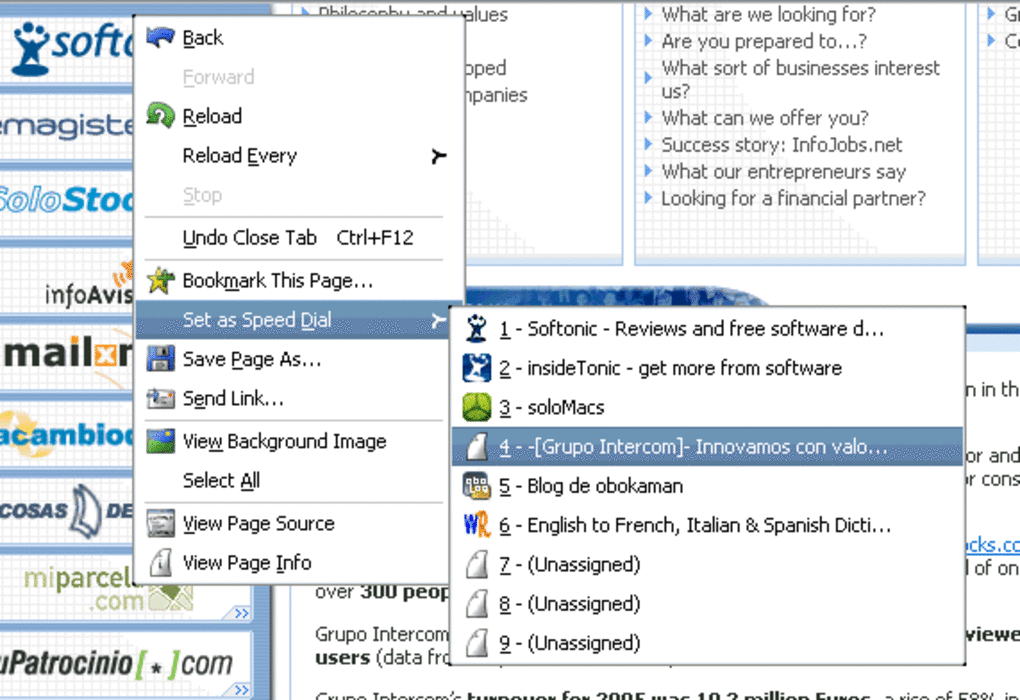
After installation, the first time you open a new tab you’ll see an empty grid with nine placeholder slots. Click any slot, and a small dialog appears where you can paste the URL of the site you want to assign. You may also upload a custom image for the thumbnail or let Speed Dial capture a snapshot automatically.
To rename a dial, simply hover over the title, click the pencil icon, and type a new label. The layout is fully draggable—grab a dial by its thumbnail and move it to a new position. Once satisfied, click the Save button; your configuration is stored locally and will persist across browser sessions.
Compatibility Details
Speed Dial is compatible with all current Firefox releases (including ESR) on Windows 10/11, macOS 10.15+ (Catalina and later), and major Linux distributions such as Ubuntu, Fedora, and Debian. The add‑on also works with Firefox for Android, though the mobile interface is streamlined to three dials per row due to screen size constraints. Because the extension relies only on standard web APIs, it remains functional after Firefox updates, and the developer has a track record of quickly fixing bugs—such as the recent issue with the “Hide unused dials” feature that was resolved in version 2.4.
Overall, the installation process is straightforward, the UI is intuitive, and the extension respects the host operating system’s security policies, ensuring a secure and seamless experience across platforms.
Pros & Cons, Frequently Asked Questions
Pros
- Fast access to favorite sites without leaving the new‑tab page.
- Visually appealing thumbnails improve site recognition.
- Lightweight and does not slow down Firefox’s performance.
- Free, no ads, and privacy‑friendly storage of data.
- Easy import/export for migration between devices.
Cons
- No automatic detection of most‑visited sites (manual entry required).
- Limited to nine slots; users needing more may need a secondary solution.
- Thumbnail generation can be slower on low‑end hardware.
- Customization options are basic compared to full‑featured start pages.
FAQ – Speed Dial
Can I sync my Speed Dial layout across multiple Firefox installations?
Speed Dial stores its configuration locally, so native sync isn’t built‑in. However, you can export the JSON file from the settings menu and import it on another device, achieving a manual sync.
Is Speed Dial safe for privacy‑concerned users?
Yes. The add‑on does not transmit any browsing data to external servers. All URLs, thumbnails, and preferences remain stored within your Firefox profile folder.
Will Speed Dial work with Firefox Quantum (Firefox 57+)?
Absolutely. The extension was updated for the WebExtensions API introduced with Firefox Quantum, ensuring compatibility with all modern releases.
Can I use my own images for the dial thumbnails?
Yes. When editing a dial, you can upload a custom image (PNG, JPG, or GIF) up to 200 KB. The add‑on automatically resizes it to fit the thumbnail grid.
What should I do if a dial stops loading or shows a broken thumbnail?
Right‑click the affected dial and choose “Refresh thumbnail.” If the issue persists, delete the dial and re‑add the URL; the add‑on will generate a fresh snapshot.
Expert Review Summary
Rating: 4.5/5
Speed Dial delivers exactly what its name promises—a rapid, visual shortcut to your favorite web destinations. While it could benefit from auto‑learning capabilities, its current feature set is more than adequate for most users seeking a tidy, ad‑free new‑tab experience.
Pros: Fast access, clean UI, privacy‑first.
Cons: Manual setup, limited slots.
Conclusion & Call to Action
In a world where browsers are packed with complex start‑page extensions, Speed Dial stands out for its simplicity and speed. By replacing the generic new‑tab page with a nine‑slot visual dashboard, it saves you valuable seconds and reduces the mental friction of navigating between daily sites. If you value a lightweight, free, and privacy‑respecting tool that works across Windows, macOS, and Linux, Speed Dial is worth a try. Install it today from the official Mozilla Add‑ons store, set up your nine most‑visited sites, and experience a smoother browsing workflow immediately.
Ready to boost your productivity? Download Speed Dial now and enjoy a faster, more organized web experience.







